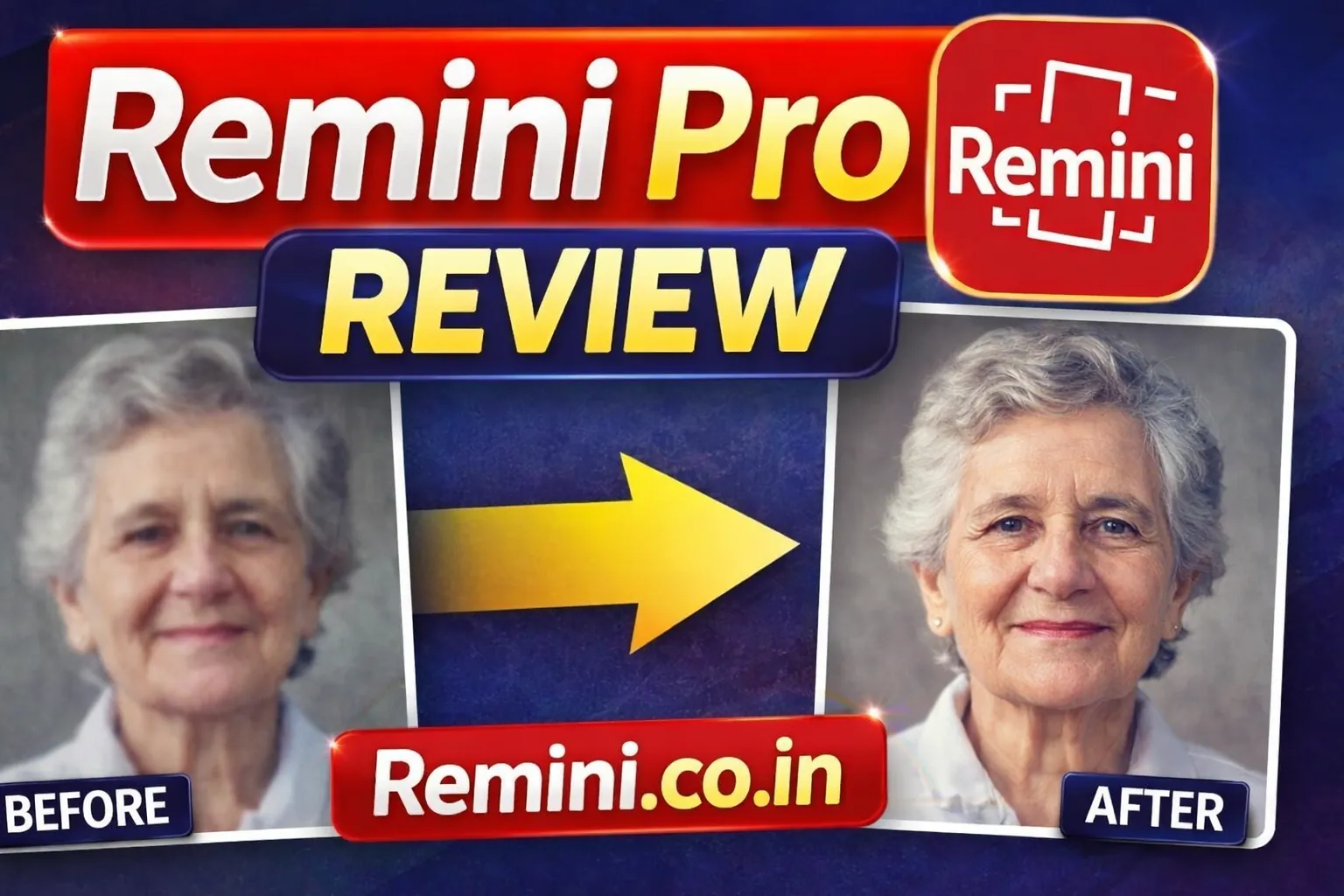
Detailed Remini Pro Review – Is It Really Worth It?
If you’re searching for a detailed Remini Pro review, you probably want one clear answer.
I tested Remini Pro extensively for portrait enhancement, old photo restoration, and AI image sharpening. In this review, I’ll break down features, pricing, real performance, pros and cons, and whether upgrading truly makes sense for you.
What Is Remini Pro?
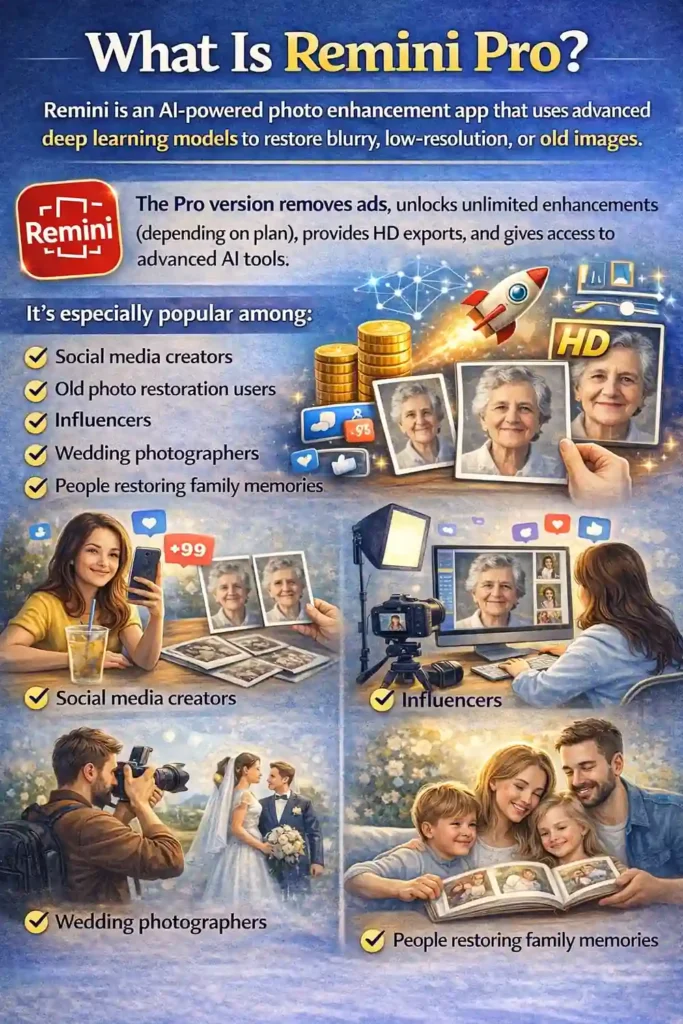
Remini is an AI-powered photo enhancement app that uses advanced deep learning models to restore blurry, low-resolution, or old images.
The Pro version removes ads, unlocks unlimited enhancements (depending on plan), provides HD exports, and gives access to advanced AI tools.
It’s especially popular among:
- Social media creators
- Old photo restoration users
- Influencers
- Wedding photographers
- People restoring family memories
1️⃣ AI Photo Enhancement
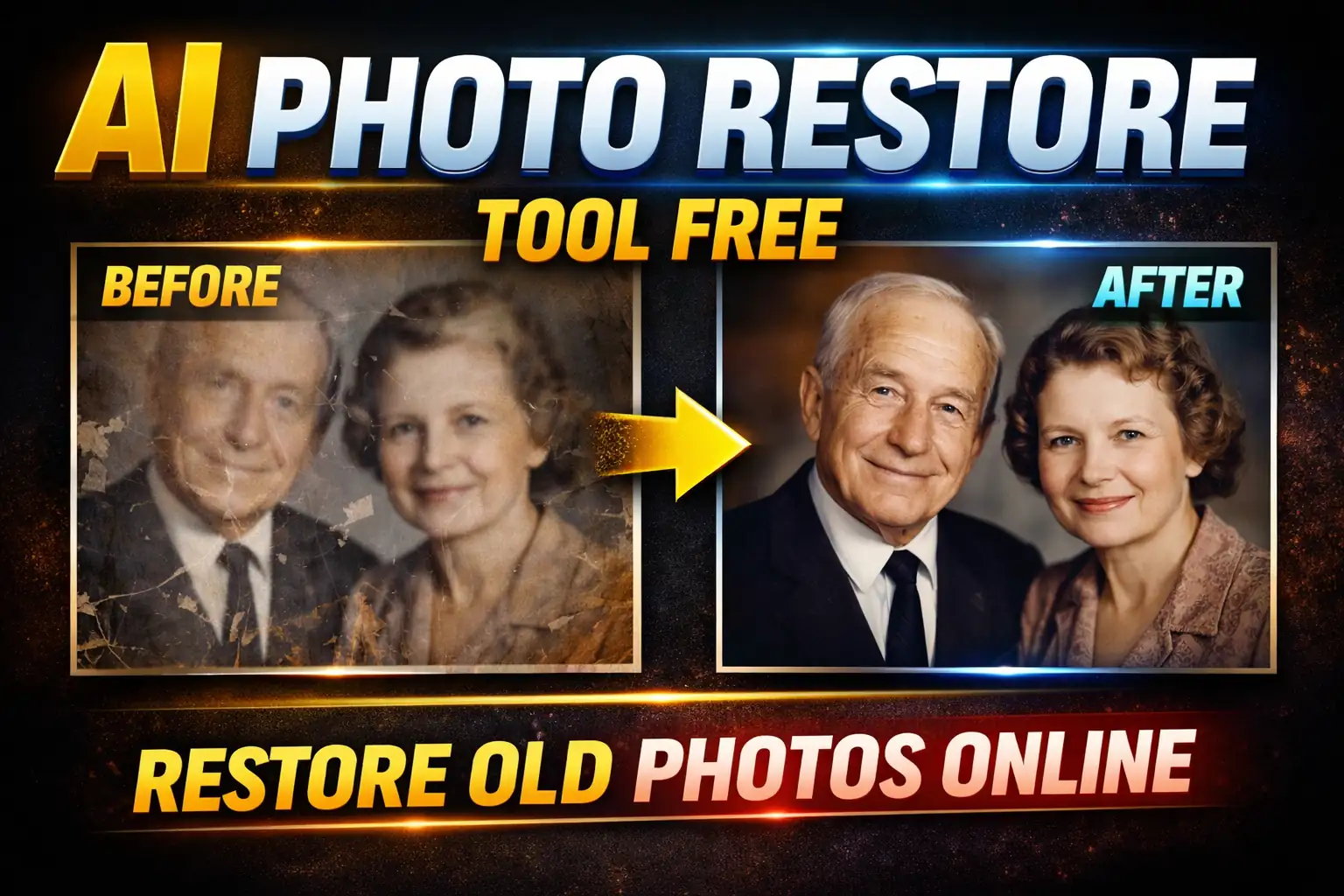
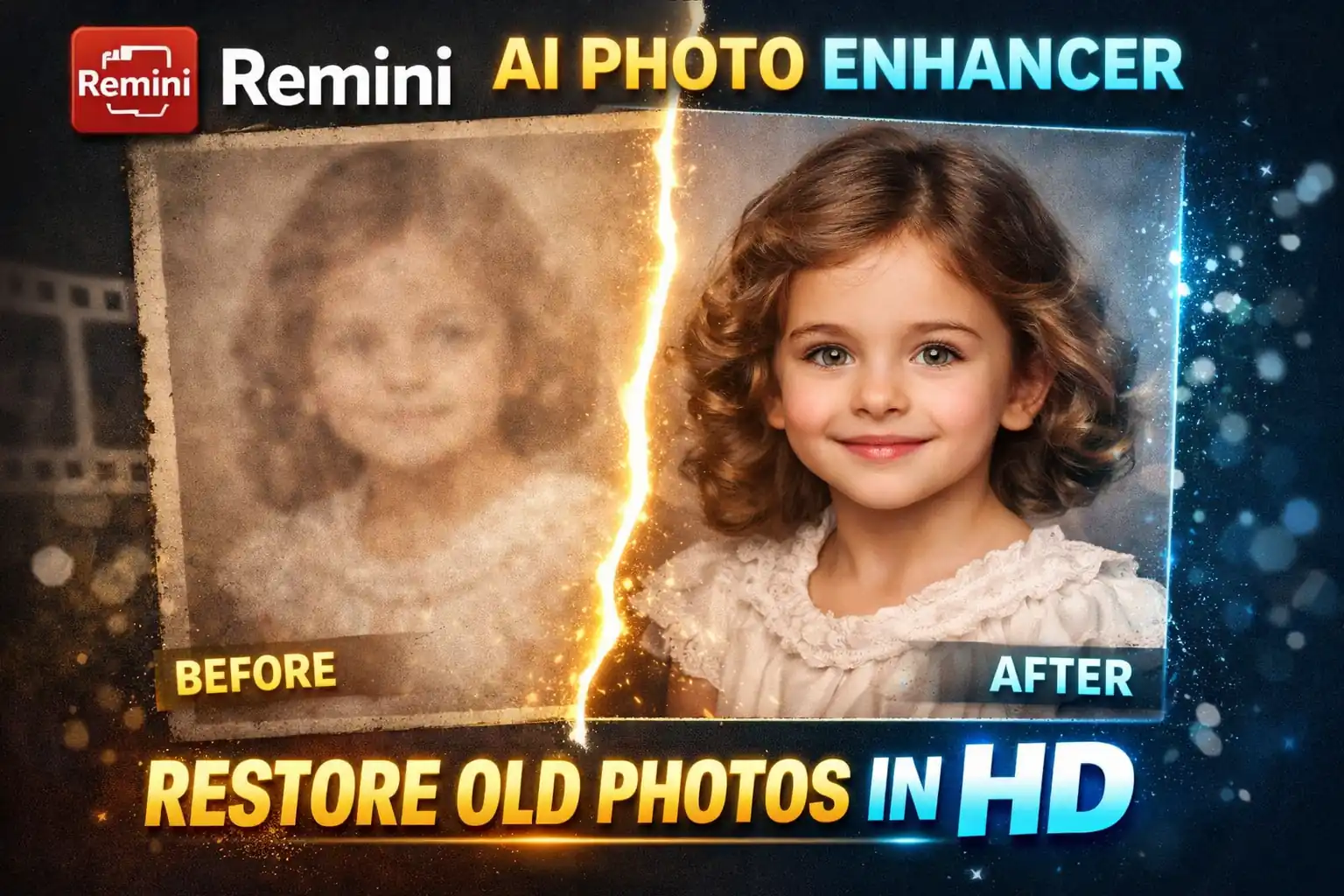
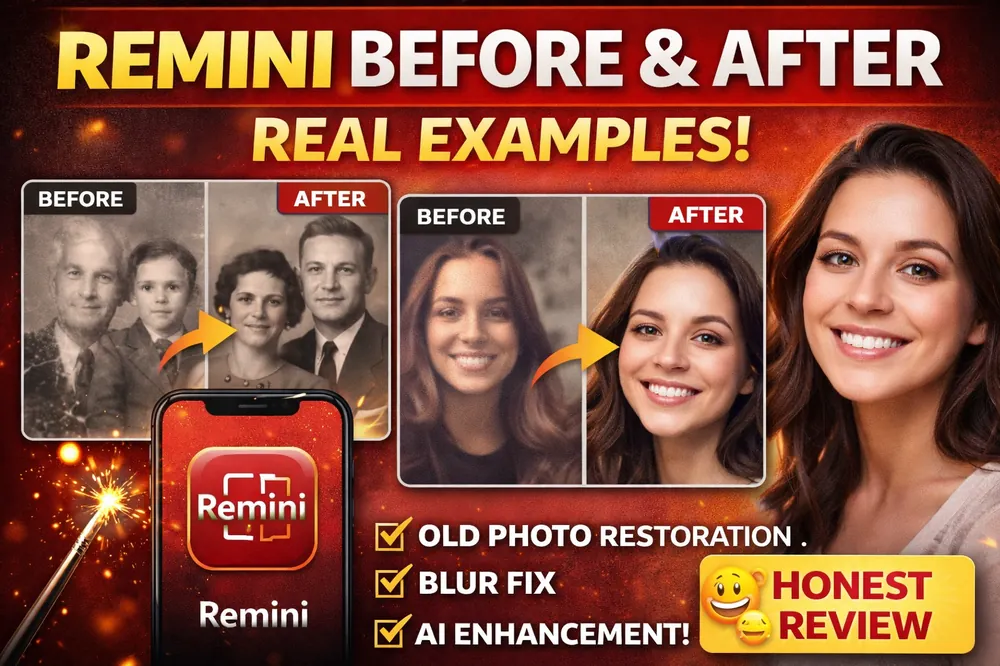
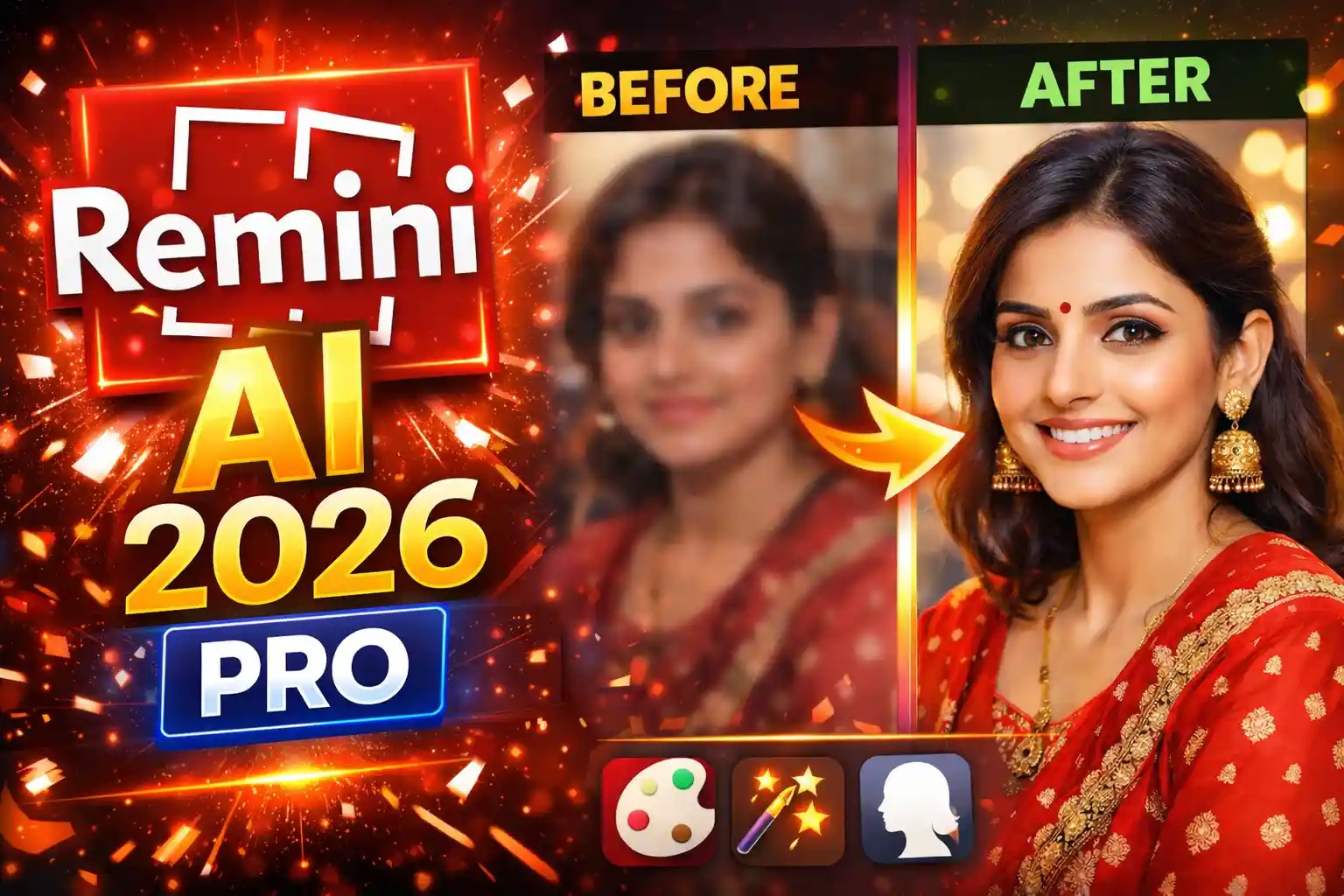
Remini’s main strength is turning blurry or low-quality images into sharp, high-definition versions. Faces are reconstructed using AI — not just sharpened.
In testing, portrait images improved dramatically. Skin texture looked natural (not plastic), and eyes became sharper without looking fake.
✨ Remini Pro Advanced Features
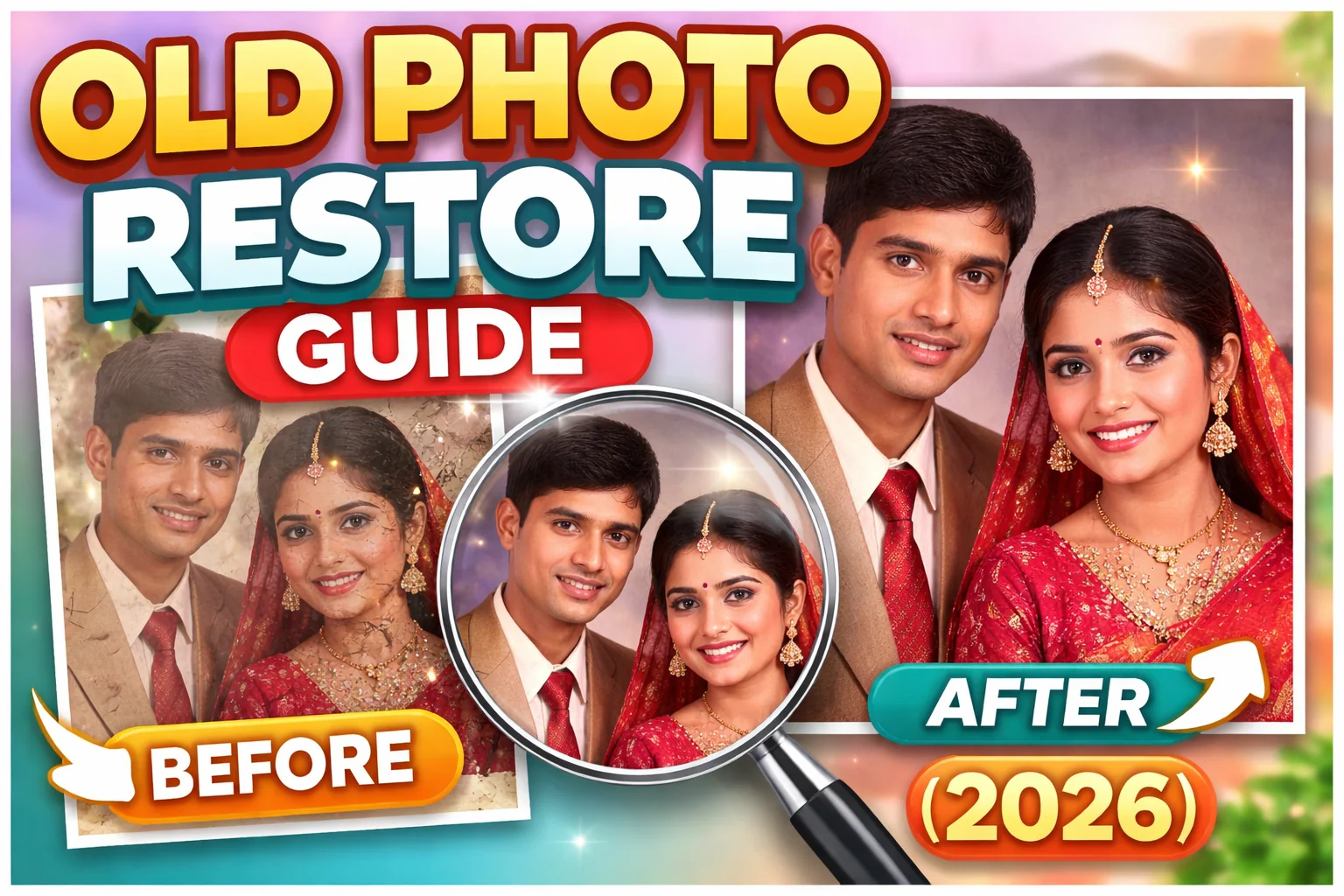
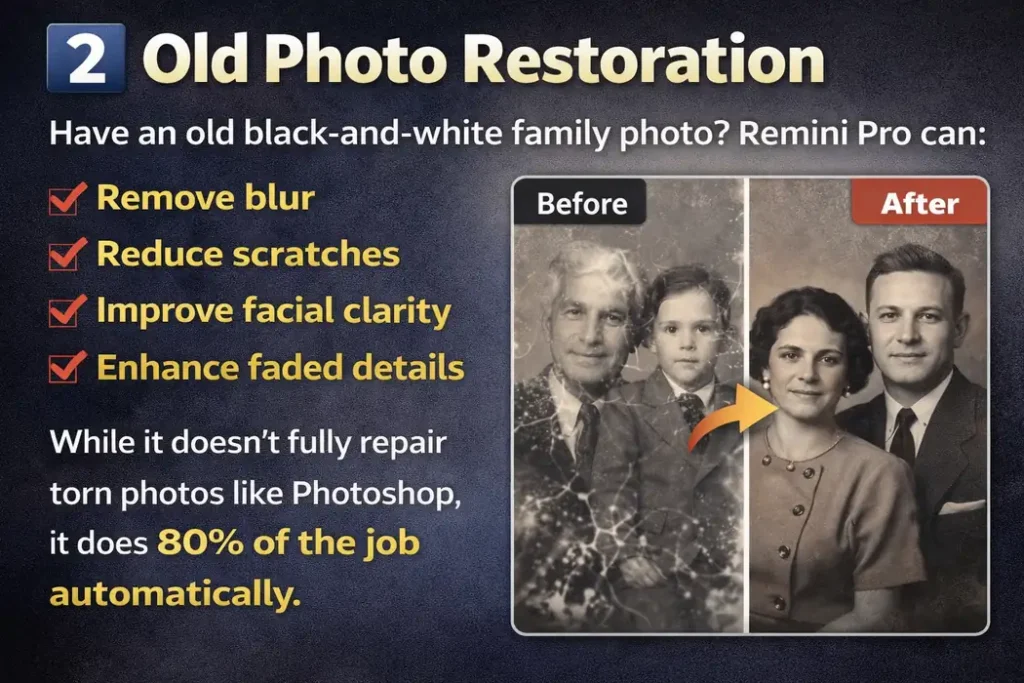
2️⃣ Old Photo Restoration
- Remove blur
- Reduce scratches
- Improve facial clarity
- Enhance faded details
While it doesn’t fully repair torn photos like Photoshop, it completes about 80% automatically.
3️⃣ AI Portrait Generator
Upload selfies and generate studio-style AI portraits. Output quality depends on lighting and original image clarity.
4️⃣ Video Enhancement
Enhances low-quality videos. Results are decent, but not as powerful as still image enhancement.
5️⃣ No Ads + Faster Processing
Removes ads and daily limits from the free version. Processing speed is noticeably faster and smoother.
🔬 Real Test Results
Old Family Photo (1995)
Excellent facial recovery with strong detail restoration.
Blurry Selfie
Major improvement in facial clarity and sharpness.
Low-Light Image
Moderate enhancement; brightness improved but slight softness remained.
Group Photo
Faces improved significantly, background less sharp.
Screenshot Image
Slight enhancement only; limited improvement.
- Faces are clearly visible
- Lighting is decent
- Image isn’t extremely pixelated
Note: If the image is heavily damaged or compressed, results may look less realistic.
Pricing – Is Remini Pro Expensive?
Pricing varies by country, but typically:
- Weekly subscription
- Monthly subscription
- Annual subscription (best value)
The yearly plan usually costs significantly less per month compared to weekly billing.
💡 Tip: If you only need it for a few old photos, subscribe for one week, enhance everything, and cancel.
Pros and Cons
✅ Pros
- Outstanding face enhancement
- Easy one-tap processing
- Fast results
- Great for social media content
- No editing skills required
❌ Cons
- Subscription model only
- Background enhancement is average
- Sometimes over-smooths skin
- Requires good internet connection
Is Remini Pro Safe?
Yes, the app is available on:
- Google Play
- Apple App Store
However, like most AI apps, it uploads images to cloud servers for processing. Avoid uploading highly sensitive personal documents.
Who Should Buy Remini Pro?
You should consider upgrading if:
✔️ You restore old family photos regularly
✔️ You create Instagram or YouTube content
✔️ You want quick professional-looking portraits
✔️ You hate ads in the free version
You should skip Pro if:
❌ You only enhance 1–2 photos per month
❌ You expect Photoshop-level manual control
❌ You dislike subscription payments
| Feature | Free | Pro |
|---|---|---|
| Ads | Yes | No |
| Daily Limit | Limited | Higher / Unlimited |
| HD Export | Limited | Yes |
| Speed | Slower | Faster |
| Advanced Tools | Locked | Unlocked |
Does It Look Natural?
This is the most important question.
In most cases, yes — results look natural. But sometimes:
- Teeth look too white
- Skin becomes overly smooth
- Faces slightly change shape
If realism is your top priority, review results carefully before posting.
Final Verdict – Is Remini Pro Worth It?
After full testing, here’s my honest conclusion:
⭐ For casual users: Probably not worth long-term subscription.
⭐ For content creators & old photo lovers: Definitely worth it.
⭐ For professional photographers: Good secondary tool, not primary editor.
Remini Pro is one of the best AI face enhancement apps available right now. It’s not perfect, but for one-tap automatic results, it’s impressive.
If your goal is fast, high-quality improvement without learning complex software — Remini Pro delivers.
Frequently Asked Questions (FAQs)
Yes, Remini Pro removes ads, increases usage limits, and allows HD exports, making it much more convenient.
No, it requires an internet connection because AI processing happens on cloud servers.
It significantly improves facial clarity but cannot fully repair heavily torn or extremely damaged photos.
If you frequently enhance photos or create content, yes. Casual users may not need a subscription.
Sometimes minor changes occur because AI reconstructs missing details, but results usually look natural.