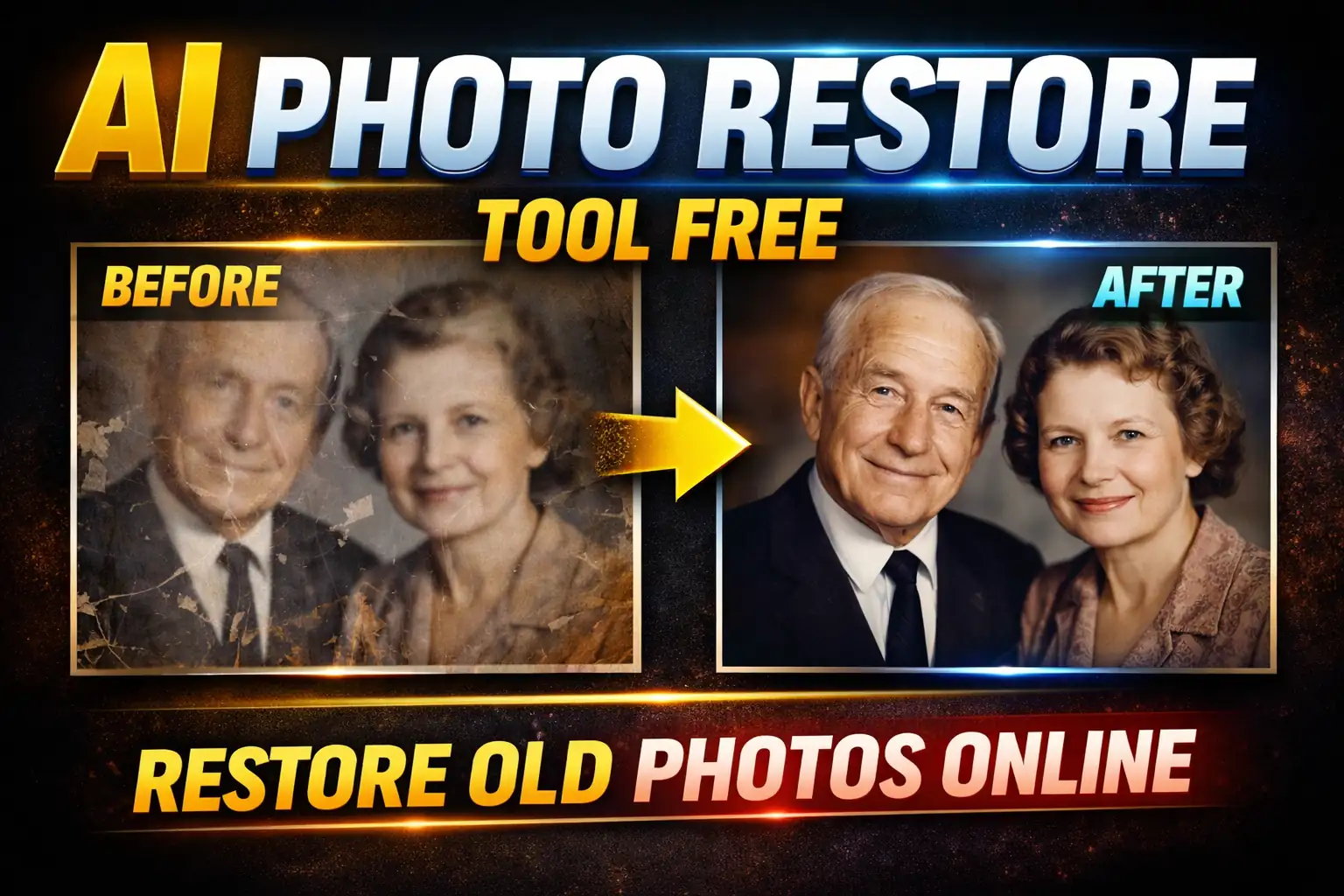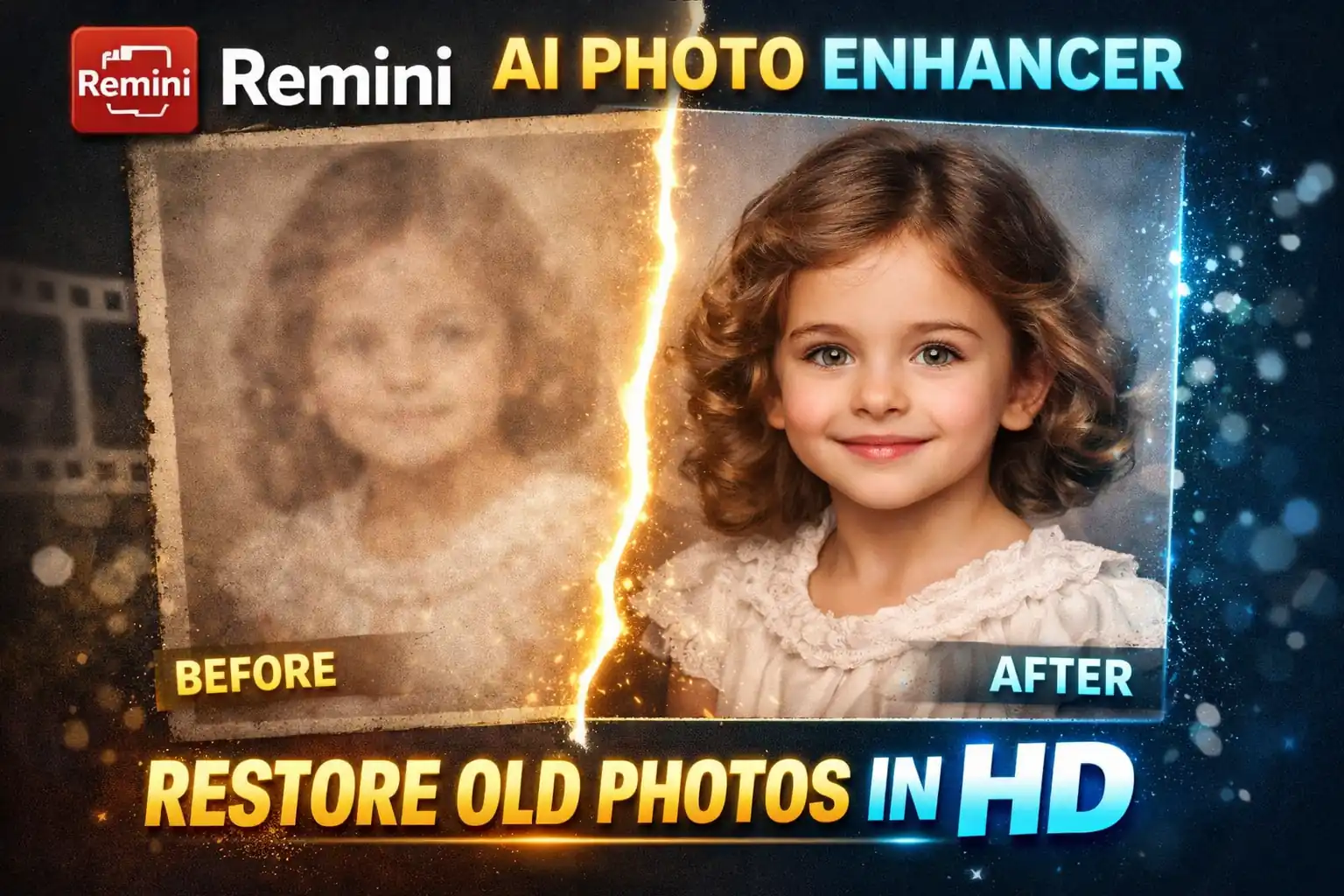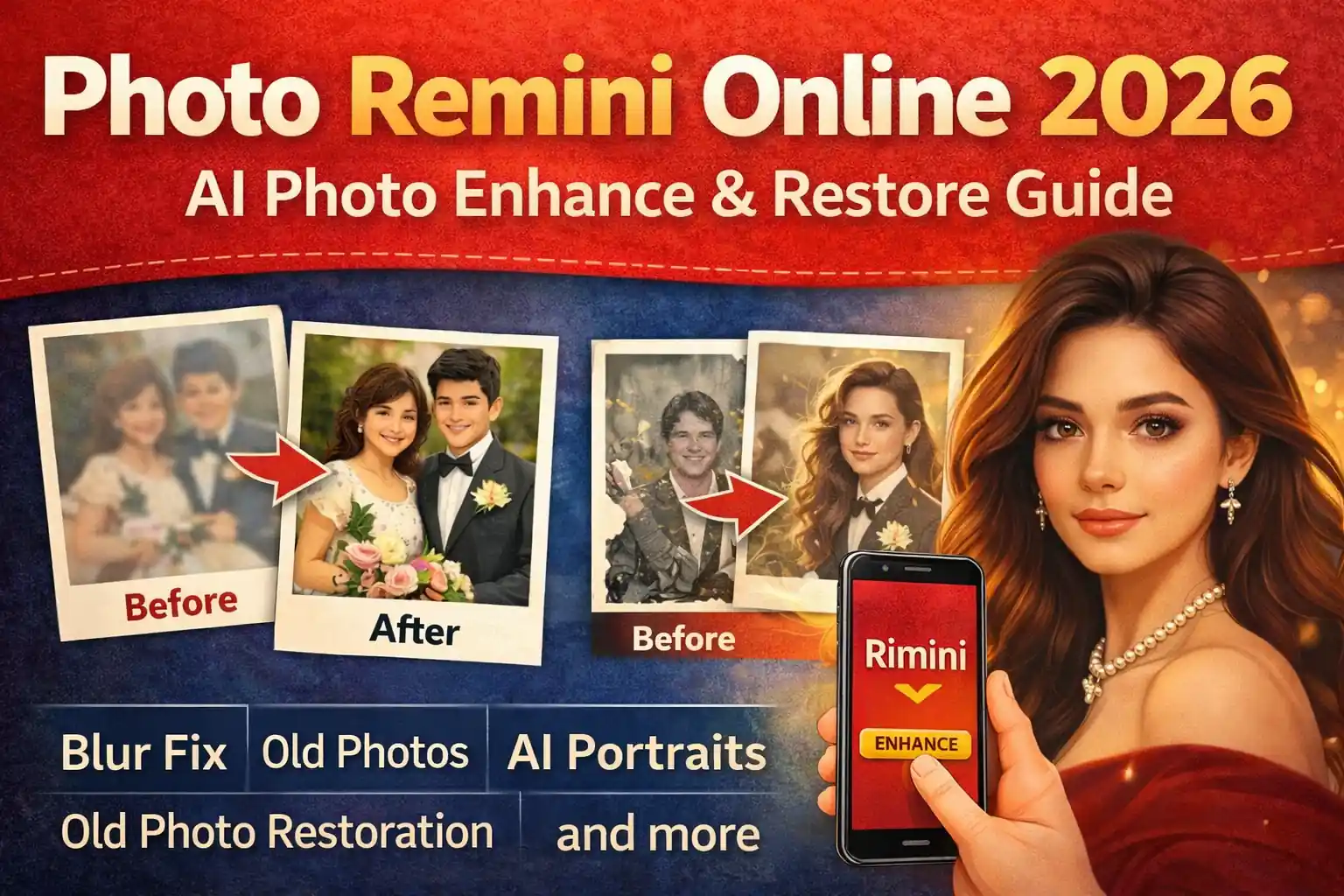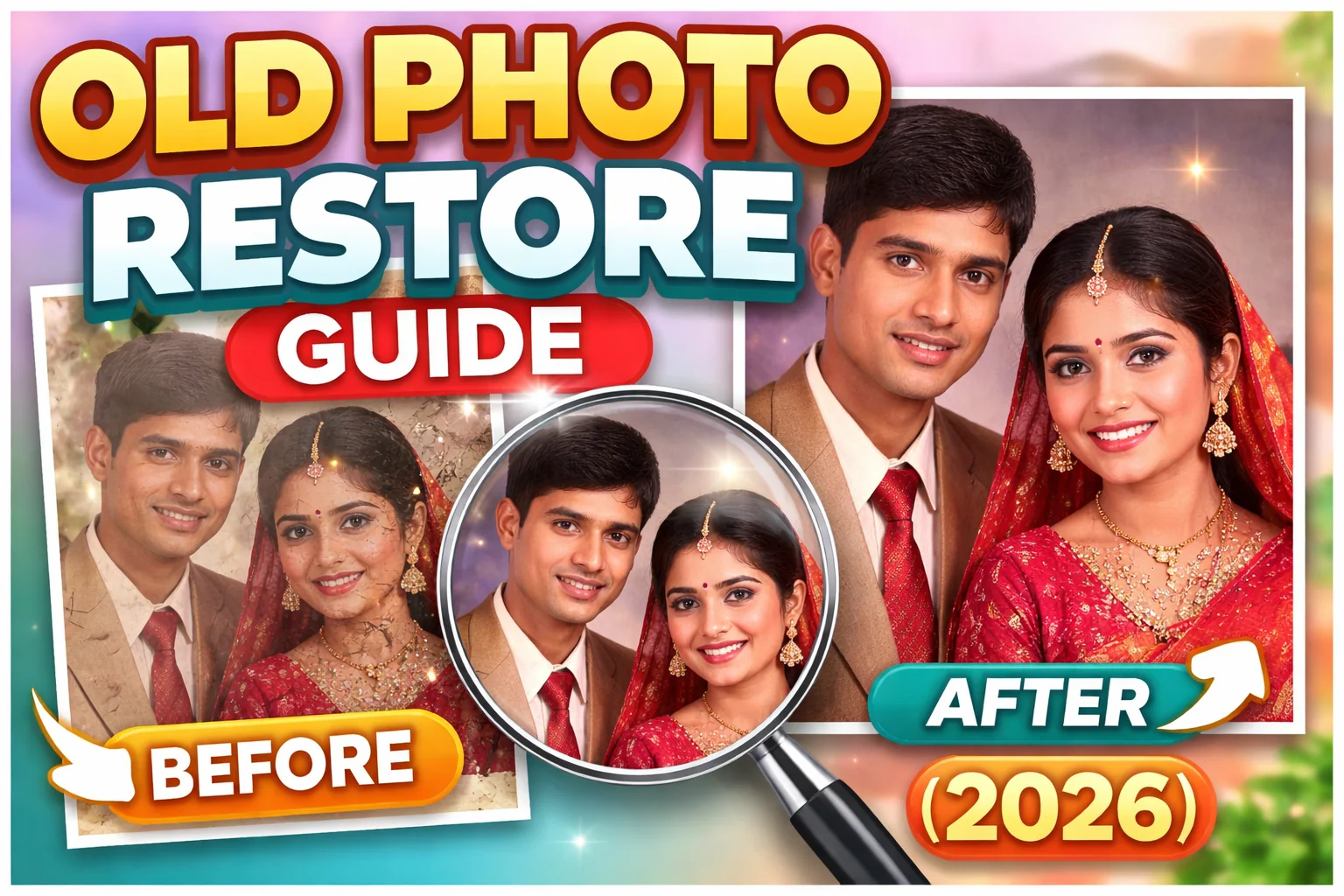
If you have faded, blurry, or damaged family photos lying in old albums, this Old Photo Restore Guide will help you bring them back to life. In 2026, restoring old photos has become easier than ever thanks to AI photo restoration tools.
Whether it’s a black-and-white wedding photo, a childhood memory, or a historical family portrait, modern AI can repair scratches, improve clarity, and even add natural colors.
In this Old Photo Restore Guide, I’ll explain everything step-by-step so anyone can restore old photos without professional editing skills.
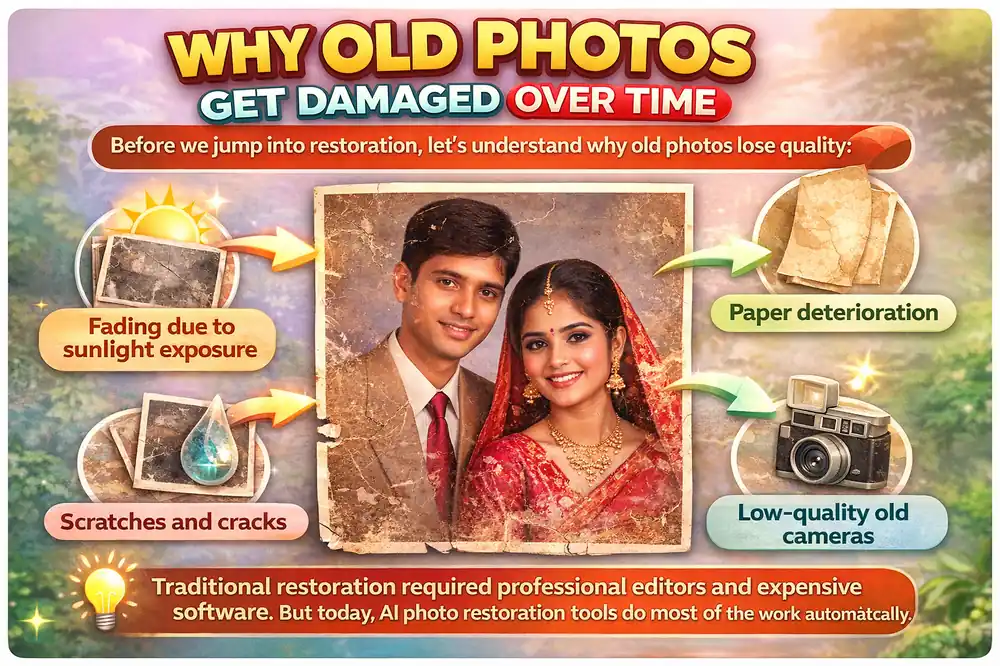
Why Old Photos Get Damaged Over Time
Before we jump into restoration, let’s understand why old photos lose quality:
- Fading due to sunlight exposure
- Paper deterioration
- Scratches and cracks
- Moisture damage
- Low-quality old cameras
Traditional restoration required professional editors and expensive software. But today, AI photo restoration tools do most of the work automatically.
Best AI Tools to Restore Old Photos (2026)
Here are some of the most searched and trusted tools for restoring old images:
1. Remini AI
- Enhances facial clarity
- Repairs scratches
- Restores faded photos
- Improves black-and-white images
2. Adobe Photoshop AI
- Advanced manual control
- AI-powered neural filters
- Professional results
3. MyHeritage Photo Enhancer
- Great for family archives
- Automatic colorization
Among these, Remini is popular because it’s beginner-friendly and fast.
Step-by-Step Old Photo Restore Guide
Here’s the complete process:
Step 1: Scan the Photo Properly
- Use a scanner if possible (300–600 DPI recommended)
- If using a phone, ensure good lighting
- Avoid shadows and glare
Higher resolution scans give better AI results.
Step 2: Upload to an AI Restoration Tool
Open your chosen tool (for example, Remini):
- Upload the scanned image
- Select “Old Photo Restore” or “Enhance” option
- Wait for AI processing
Most AI tools take 10–30 seconds.
Step 3: Review and Adjust
After processing:
- Compare before and after
- Adjust brightness if needed
- Enhance face details
- Remove remaining spots manually (optional)
Step 4: Add Color (Optional)
If your photo is black and white:
- Use AI colorization feature
- Choose natural color settings
- Avoid oversaturated tones
This step can make old family photos look modern and realistic.
Step 5: Save in High Resolution
Always download:
- High-quality version
- Preferably in PNG or high-quality JPG
- Keep original copy safe
Common Problems During Photo Restoration
Even AI is not perfect. Here are common issues:
- Over-smooth skin
- Artificial face details
- Unrealistic colors
- Loss of background details
If this happens:
- Reduce enhancement intensity
- Try a different AI tool
- Use manual editing for final touch
Tips for Better Results
To get the best outcome from this Old Photo Restore Guide, follow these tips:
✔ Use high-resolution scans
✔ Avoid compressed WhatsApp images
✔ Enhance face separately if needed
✔ Don’t over-edit
✔ Save multiple versions
Is AI Photo Restoration Safe?
Yes, most trusted tools are safe. However:
- Avoid unknown websites
- Check privacy policy
- Do not upload sensitive documents
Free vs Paid Restoration Tools
| Feature | Free Tools | Paid Tools |
|---|---|---|
| Daily Limit | Yes | No |
| Processing Speed | Standard | Faster |
| Advanced Repair | Limited | Full |
| Ads | Yes | No |
If you restore photos regularly, a paid plan may be worth it.
Why Old Photo Restoration Is Important
Restoring old photos is not just about clarity. It’s about:
- Preserving family history
- Keeping memories alive
- Creating digital backups
- Sharing on social media
- Printing modern versions
Old photos connect generations. AI simply helps preserve them better.
Final Thoughts – Old Photo Restore Guide
This Old Photo Restore Guide proves that restoring old images in 2026 is simple, fast, and affordable. With AI tools, you don’t need advanced editing skills.
Scan carefully, use trusted AI tools, review the result, and save in high resolution.
That’s it.
Your old memories deserve a second life.
FAQs
Remini AI is one of the best apps for automatic old photo restoration.
AI can repair most scratches and fading, but severe damage may require manual editing.
Many apps offer limited free restoration. Unlimited use usually requires a paid plan.
Yes, modern AI tools can add realistic natural colors to old monochrome images.
No, if done properly. In fact, AI often improves resolution and clarity.