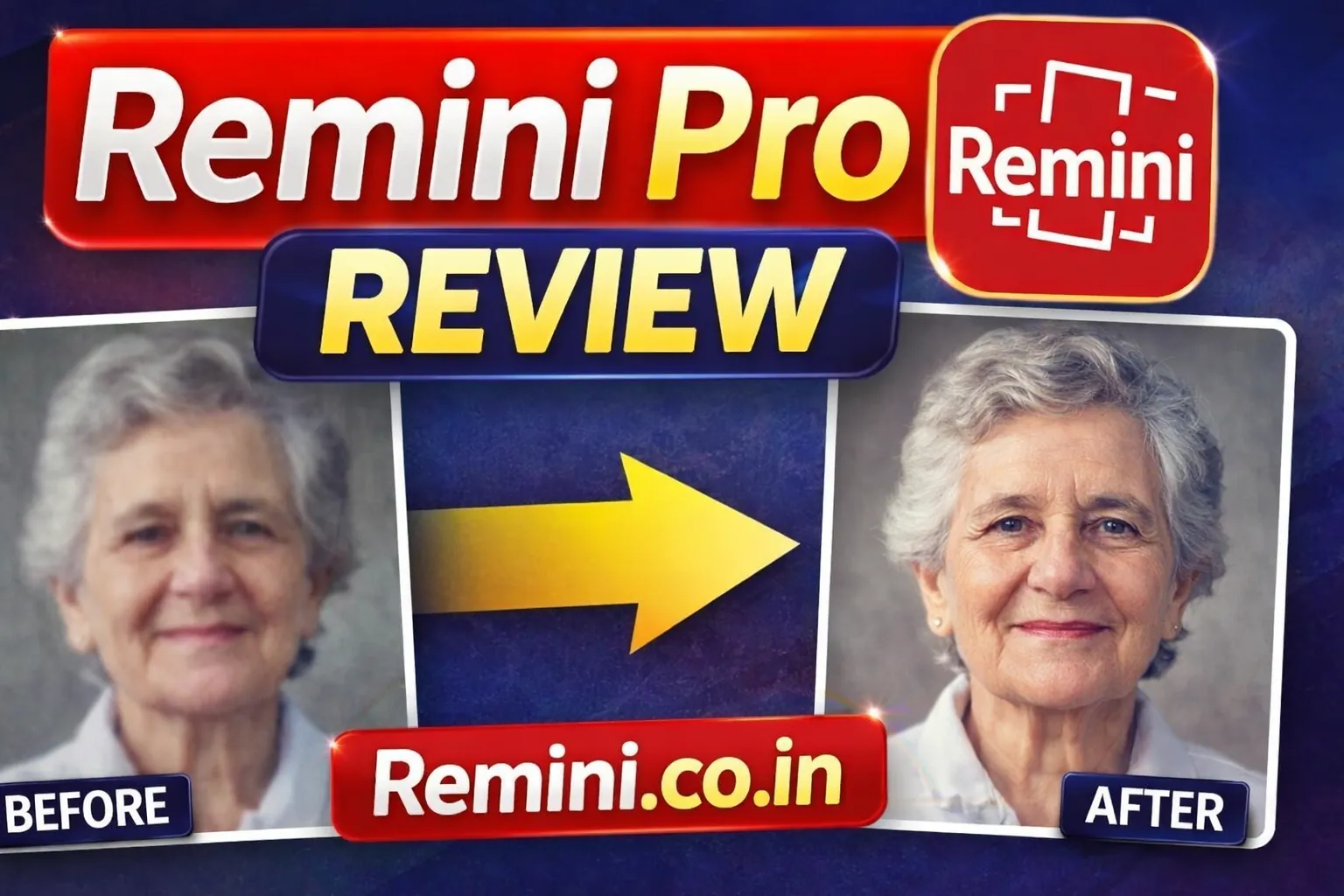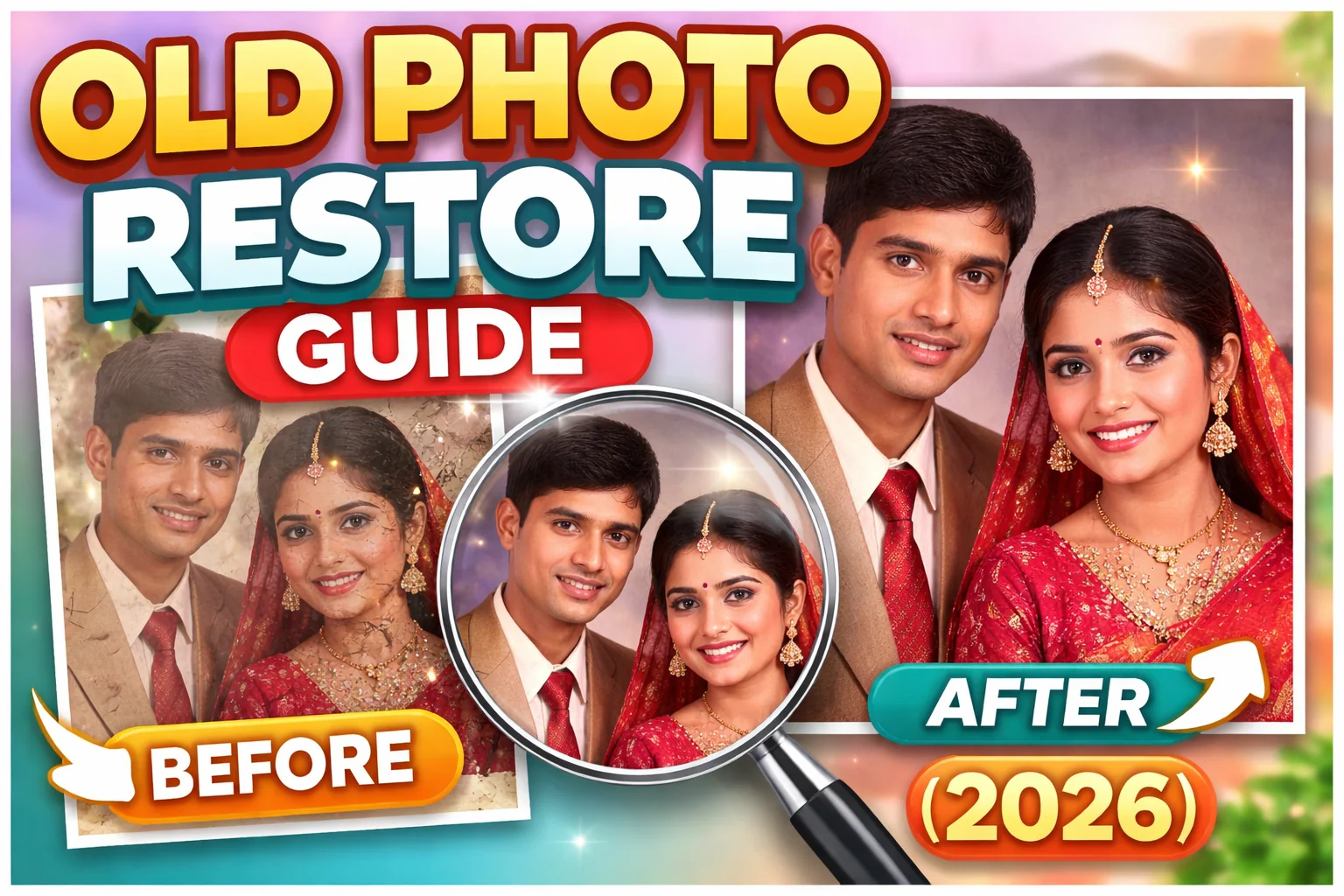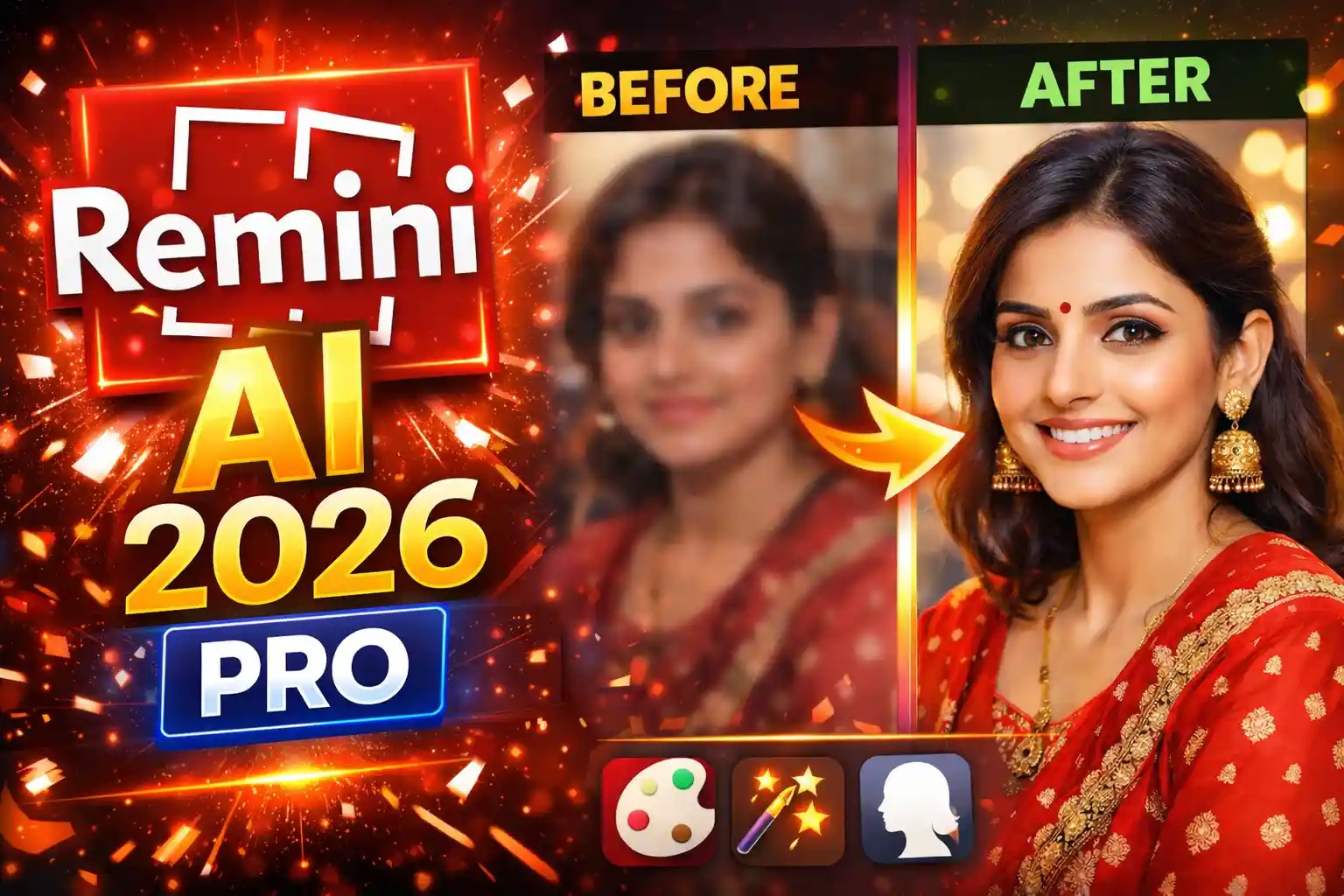
If you’re searching for a clear breakdown of Remini AI features, this guide explains everything in simple English. From restoring old photos to sharpening blurry selfies, Remini uses advanced AI models to enhance image quality in seconds. Whether you are a casual user or a content creator, understanding these features helps you get the best results.
Remini is an AI-powered photo enhancement app available on Android and iOS. It became popular for turning blurry, low-resolution photos into sharp, high-definition images. Over the years, the app has added many tools beyond simple sharpening.
Let’s explore the core Remini AI features in detail.
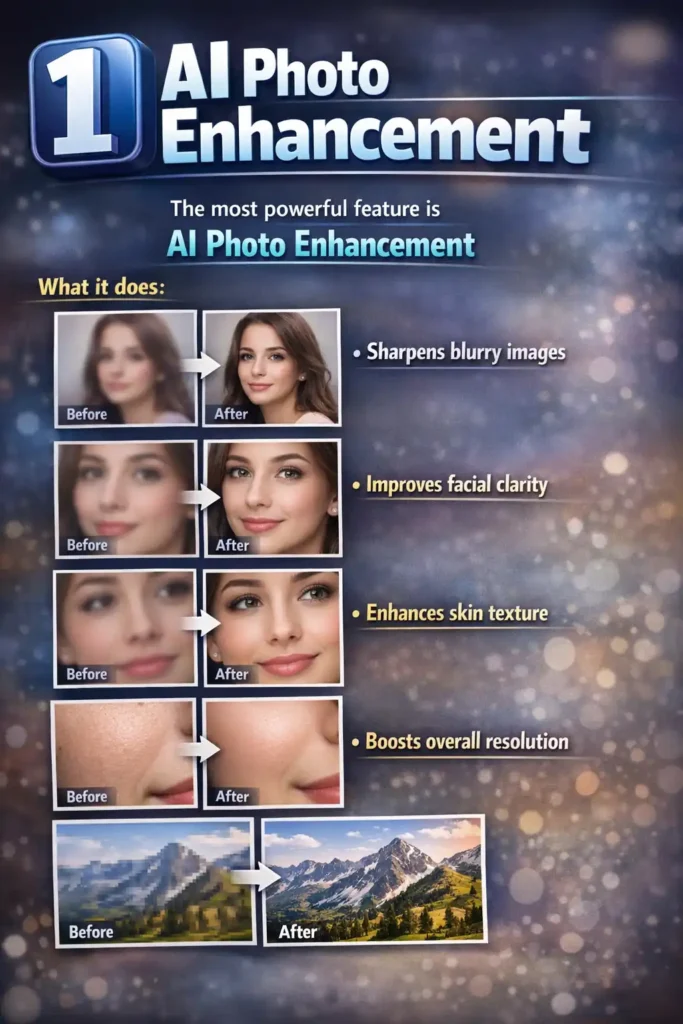
1️⃣ AI Photo Enhancement
The most powerful feature is AI Photo Enhancement.
What it does:
- Sharpens blurry images
- Improves facial clarity
- Enhances skin texture
- Boosts overall resolution
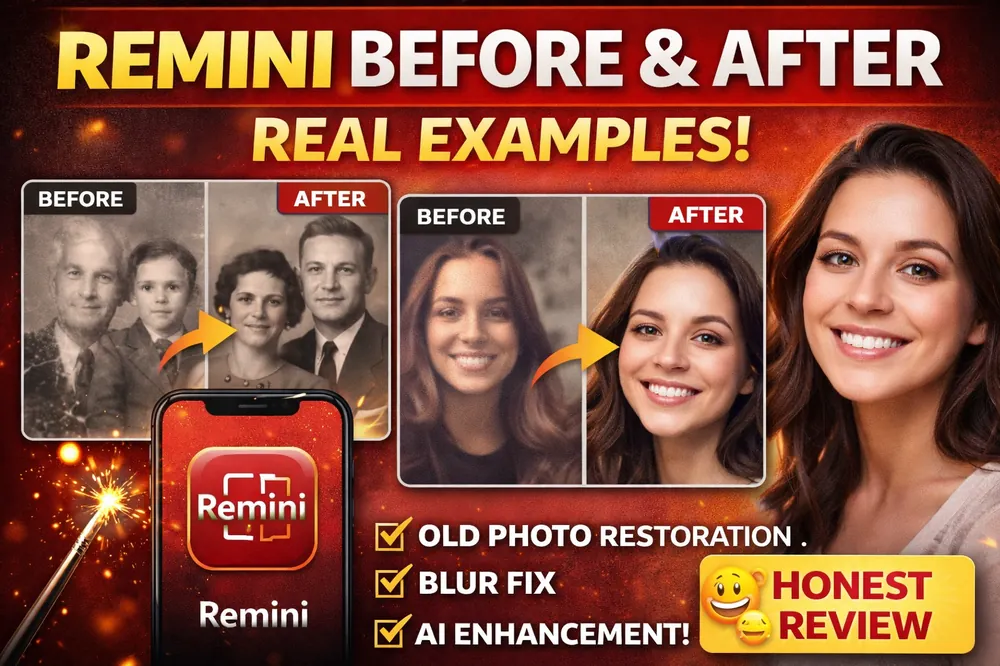
The AI analyzes facial structure and reconstructs details that are missing in low-quality images. This works especially well for selfies and portraits.
Best for:
- Blurry mobile photos
- Social media content
- Old digital camera images
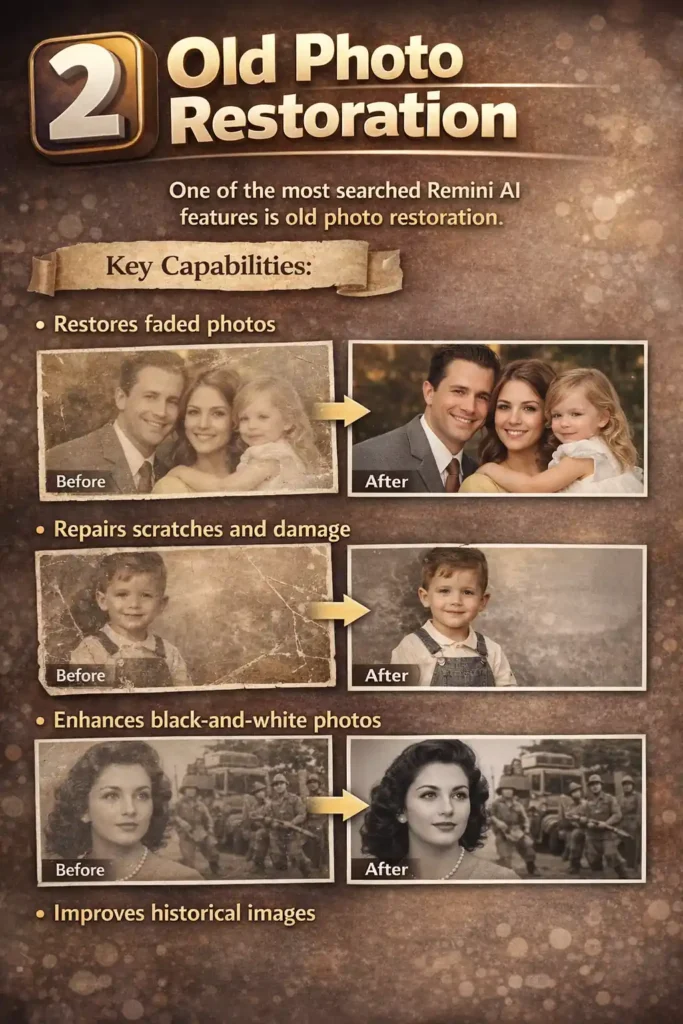
2️⃣ Old Photo Restoration
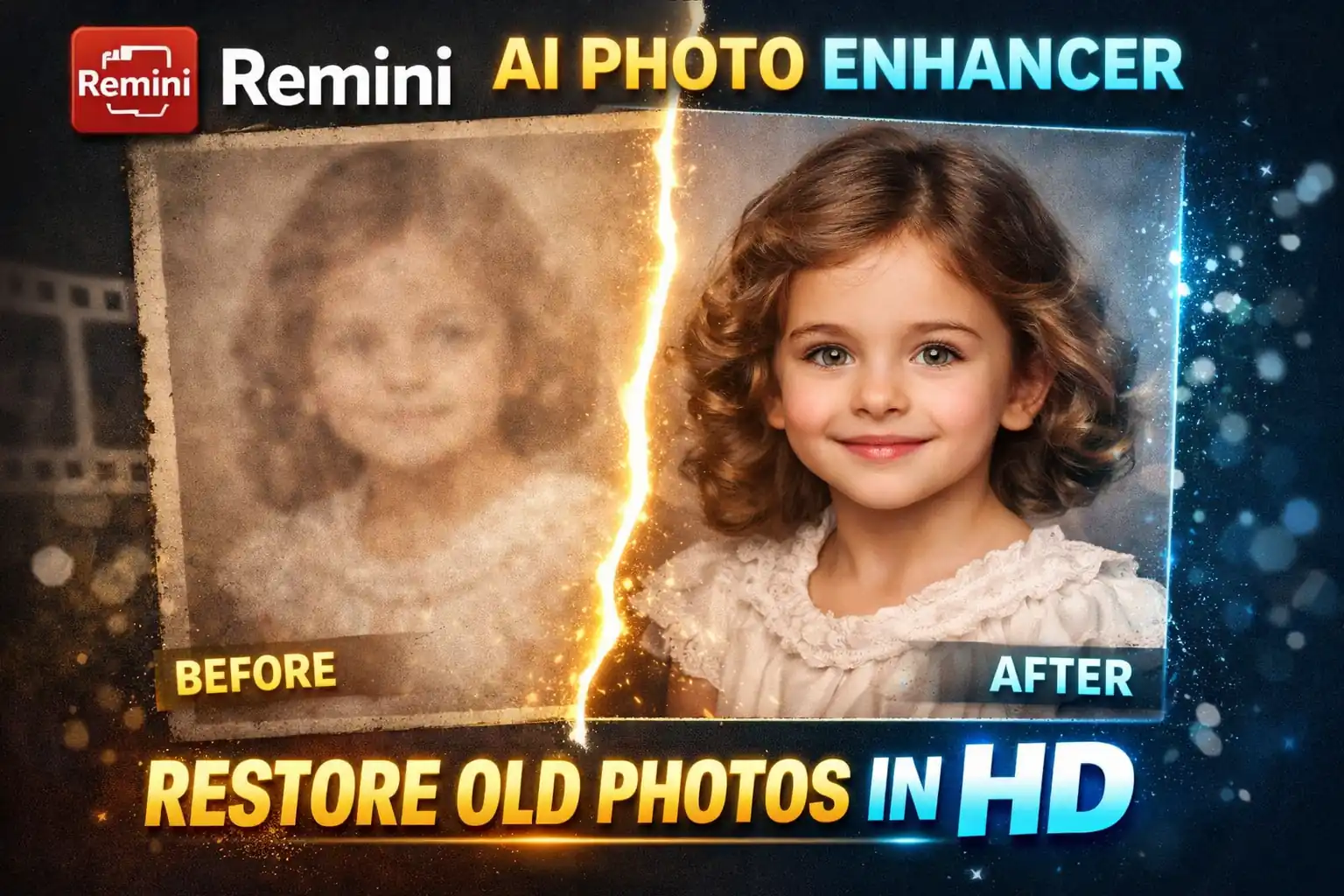
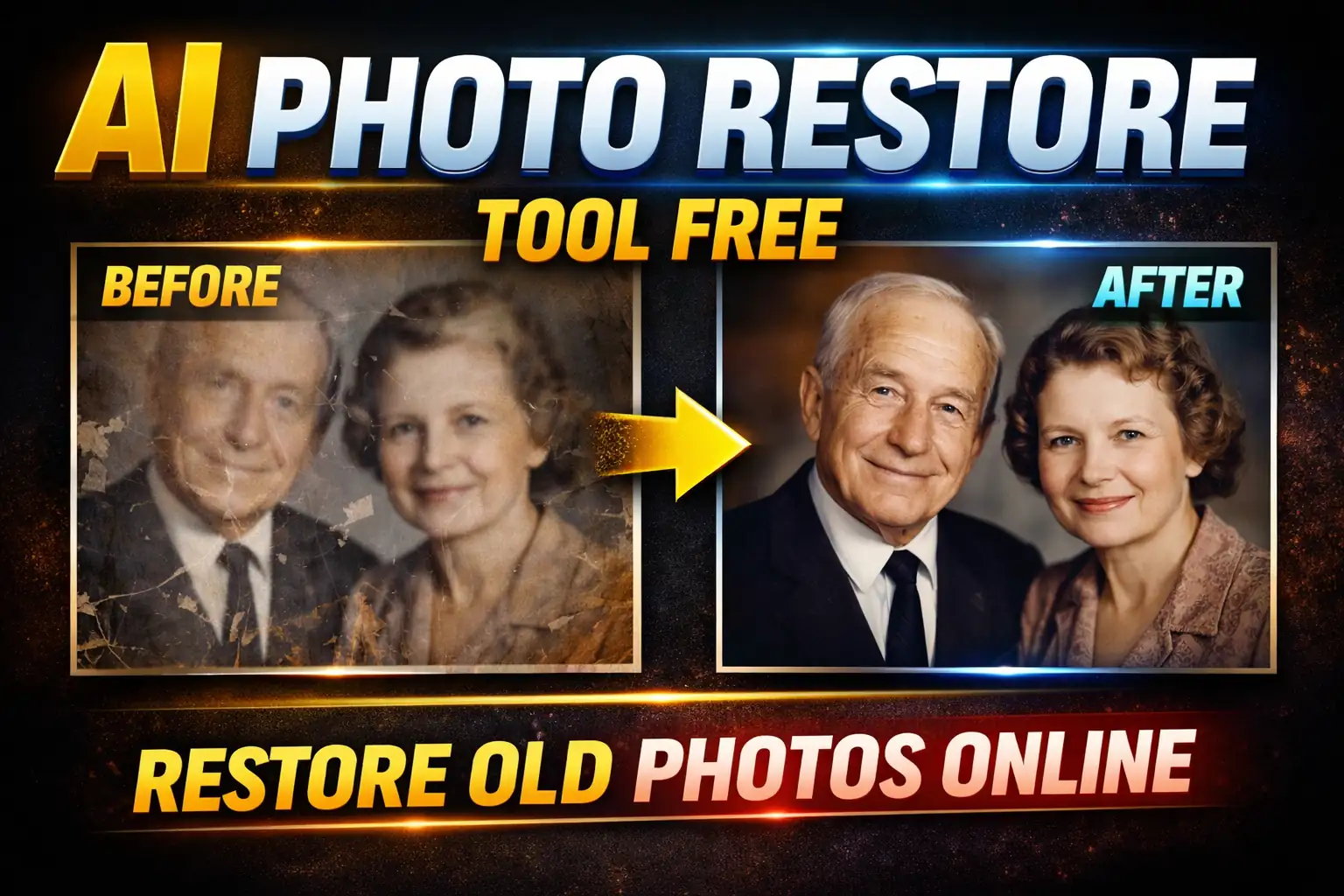
One of the most searched Remini AI features is old photo restoration.
Key Capabilities:
- Restores faded photos
- Repairs scratches and damage
- Enhances black-and-white photos
- Improves historical images
This tool is very helpful for family albums and vintage photos. Many users use it to restore grandparents’ old memories.
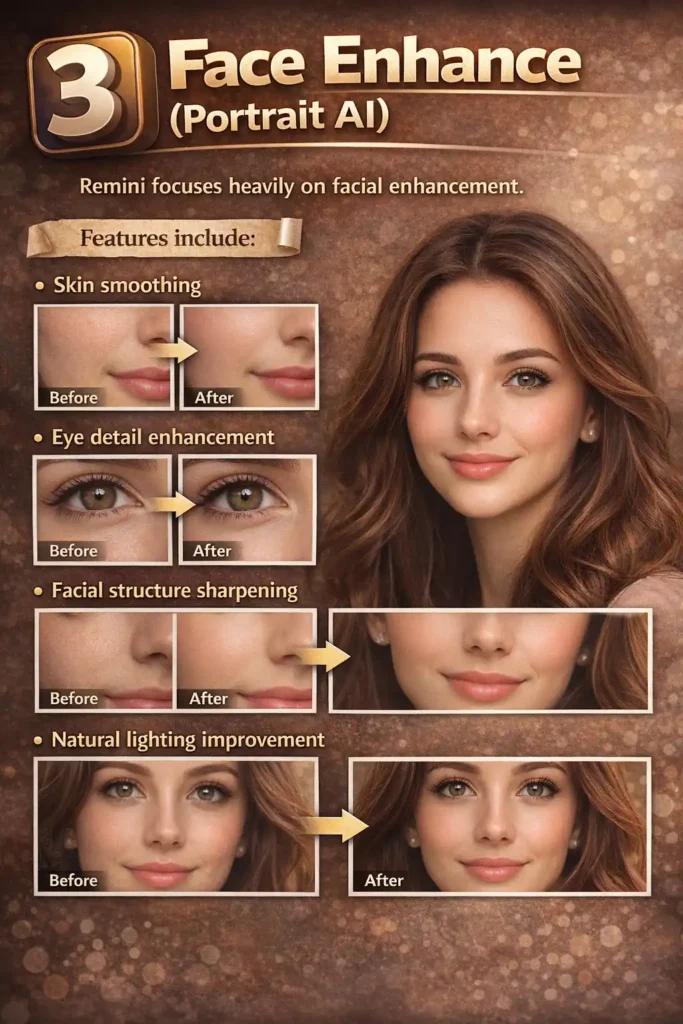
3️⃣ Face Enhance (Portrait AI)
Remini focuses heavily on facial enhancement.
Features include:
- Skin smoothing
- Eye detail enhancement
- Facial structure sharpening
- Natural lighting improvement
Unlike simple filters, this AI attempts to recreate realistic facial features rather than just applying blur.
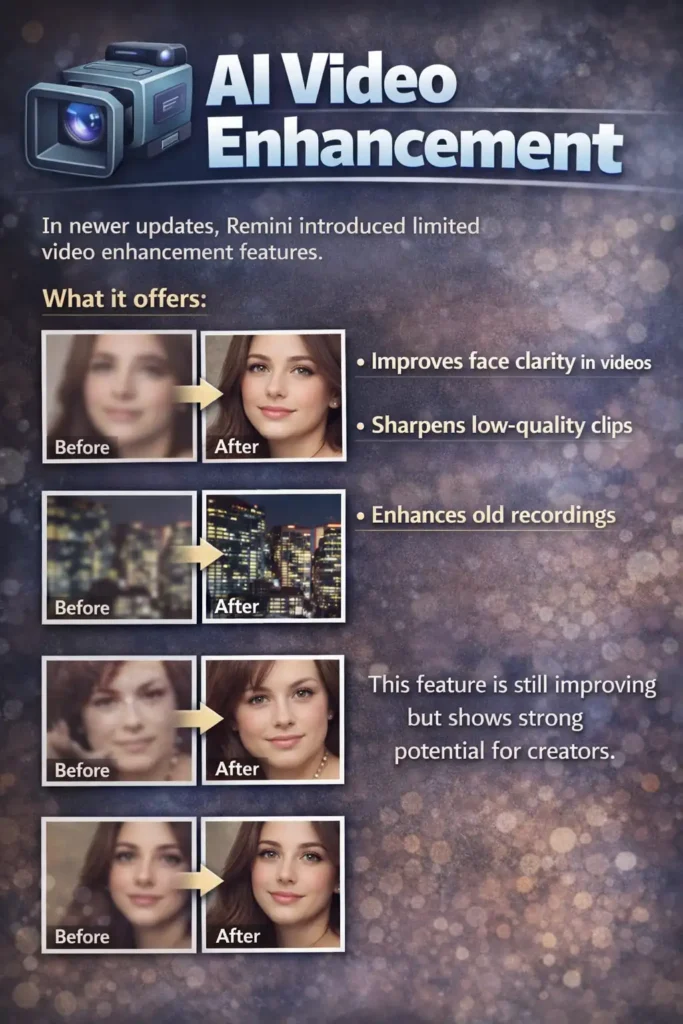
4️⃣ AI Video Enhancement
In newer updates, Remini introduced limited video enhancement features.
What it offers:
- Improves face clarity in videos
- Sharpens low-quality clips
- Enhances old recordings
This feature is still improving but shows strong potential for creators.
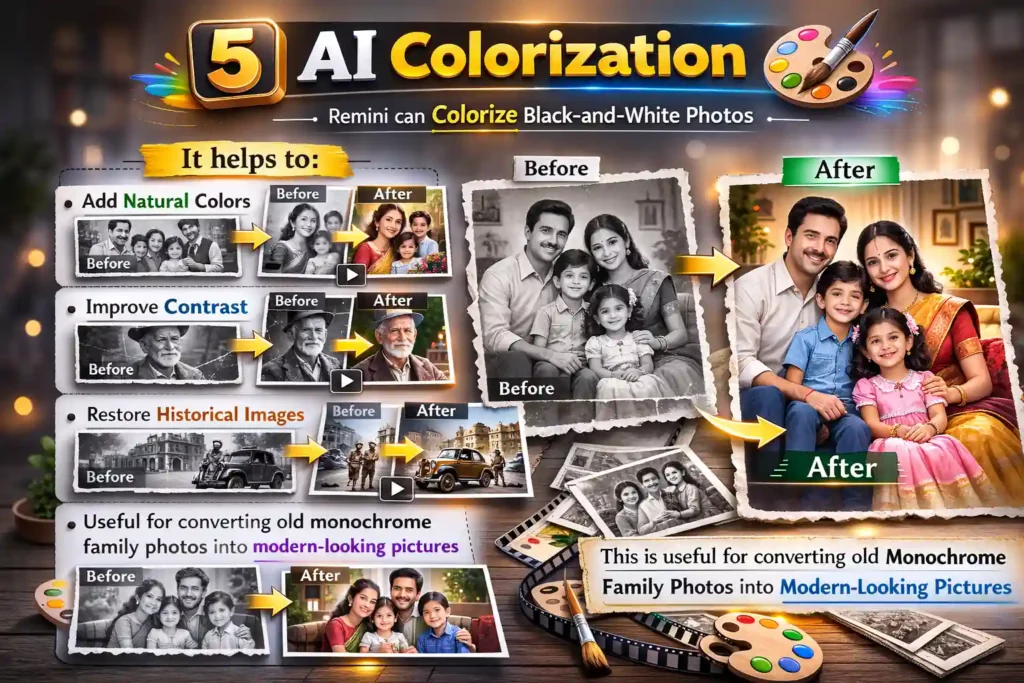
5️⃣ AI Colorization
Remini can colorize black-and-white photos.
It helps to:
- Add natural colors
- Improve contrast
- Restore historical images
This is useful for converting old monochrome family photos into modern-looking pictures.
6️⃣ Background Enhancement
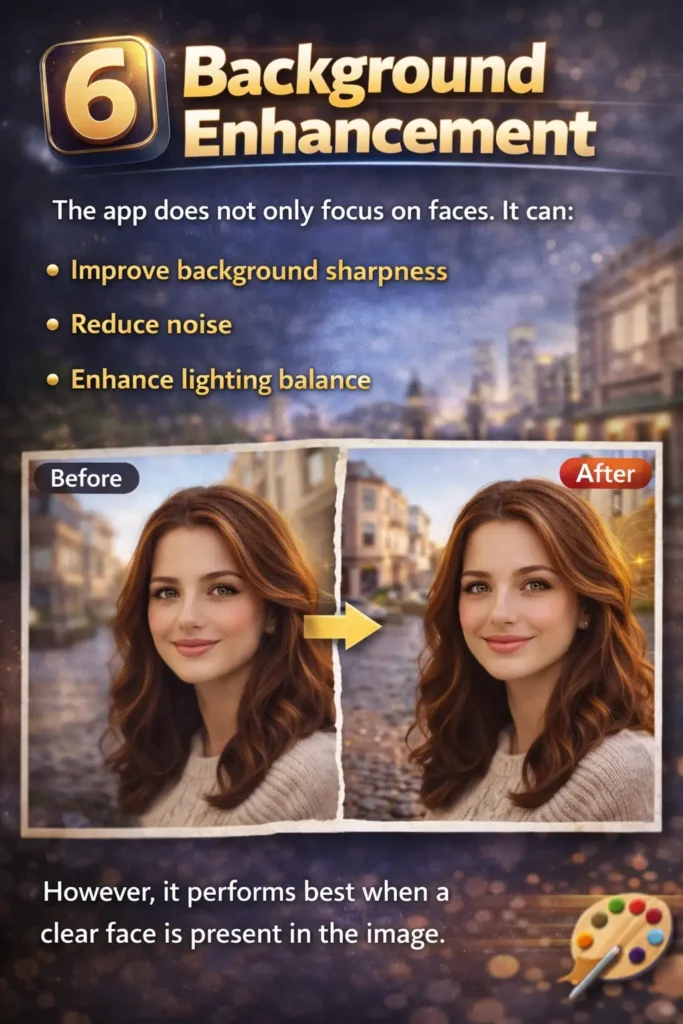
The app does not only focus on faces. It can:
- Improve background sharpness
- Reduce noise
- Enhance lighting balance
However, it performs best when a clear face is present in the image.
7️⃣ Remini Pro Features
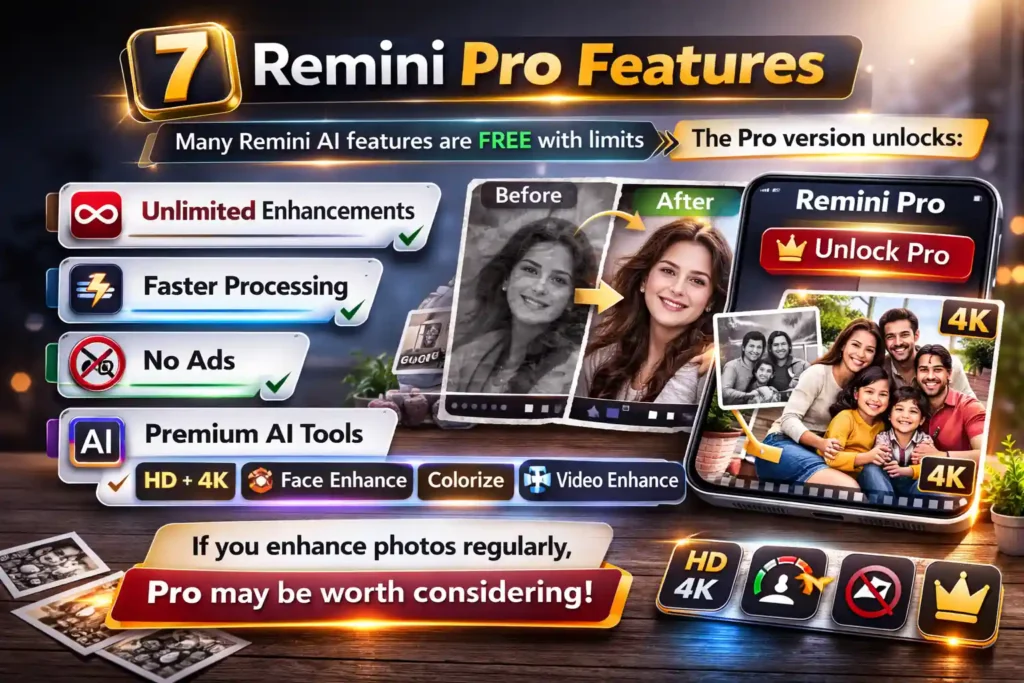
Many Remini AI features are free with limits. The Pro version unlocks:
- Unlimited enhancements
- Faster processing
- No ads
- Premium AI tools
If you enhance photos regularly, Pro may be worth considering.
8️⃣ AI Avatar & Creative Tools
In recent updates, Remini added creative features such as:
- AI avatar generation
- Artistic portrait styles
- AI profile picture creation
These tools are more for fun and social media usage.
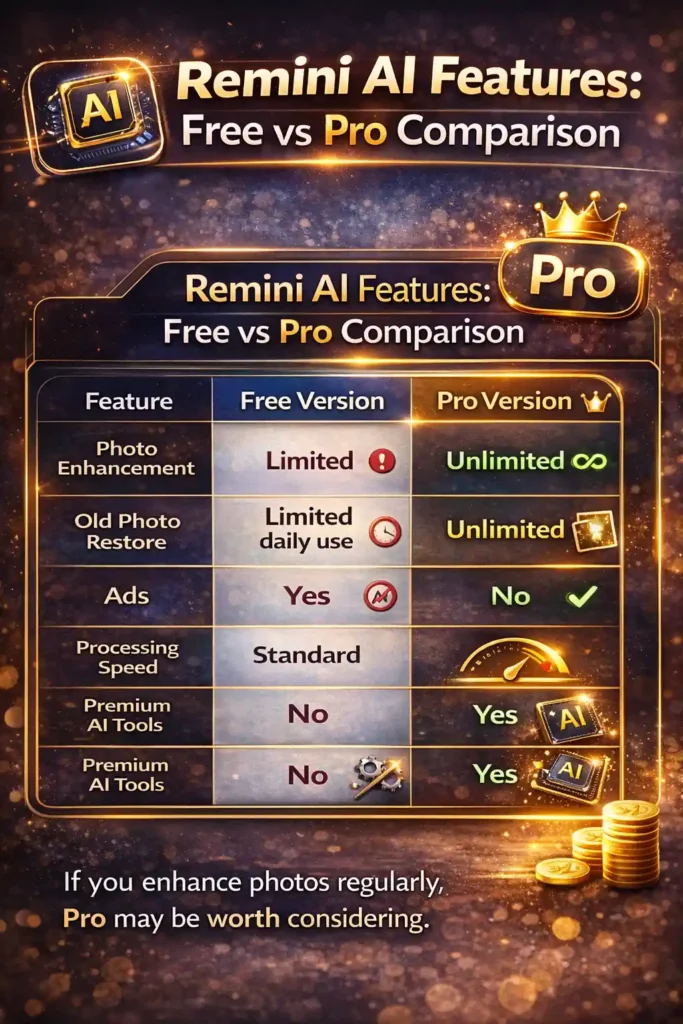
Remini AI Features: Free vs Pro Comparison
| Feature | Free Version | Pro Version |
|---|---|---|
| Photo Enhancement | Limited | Unlimited |
| Old Photo Restore | Limited daily use | Unlimited |
| Ads | Yes | No |
| Processing Speed | Standard | Faster |
| Premium AI Tools | No | Yes |
Who Should Use Remini?
Remini AI features are ideal for:
- Social media creators
- Photographers
- Family album restoration
- Influencers
- Casual smartphone users
It is especially strong for face-focused enhancement.
Pros and Cons
✅ Pros
- Very easy to use
- Strong facial enhancement
- Fast AI processing
- Good old photo restore results
❌ Cons
- Over-sharpening sometimes
- Limited free version
- Best results only for portraits
Final Verdict on Remini AI Features
The Remini AI features are powerful, especially for portrait and old photo restoration. While it may not replace professional Photoshop editing, it provides fast and impressive results for everyday users.
If your main goal is:
- Fix blurry selfies
- Restore old family photos
- Improve low-quality images
Remini is one of the best AI photo enhancer apps in 2026.
Frequently Asked Questions (FAQs)
The main Remini AI features include photo enhancement, old photo restoration, face sharpening, AI colorization, background improvement, and Pro tools for unlimited processing.
Yes, Remini offers a free version with limited daily enhancements. The Pro version removes ads and unlocks unlimited AI photo enhancements.
Yes, Remini AI can restore faded, blurry, and damaged old photos. It improves facial clarity and enhances image details using advanced AI technology.
Remini Pro includes unlimited photo enhancement, faster processing, ad-free experience, and access to premium AI tools not available in the free version.
Remini works best for portraits and face-focused images. While it can improve landscapes, its strongest AI performance is in facial enhancement.